How to not make ugly circles in Open Frameworks

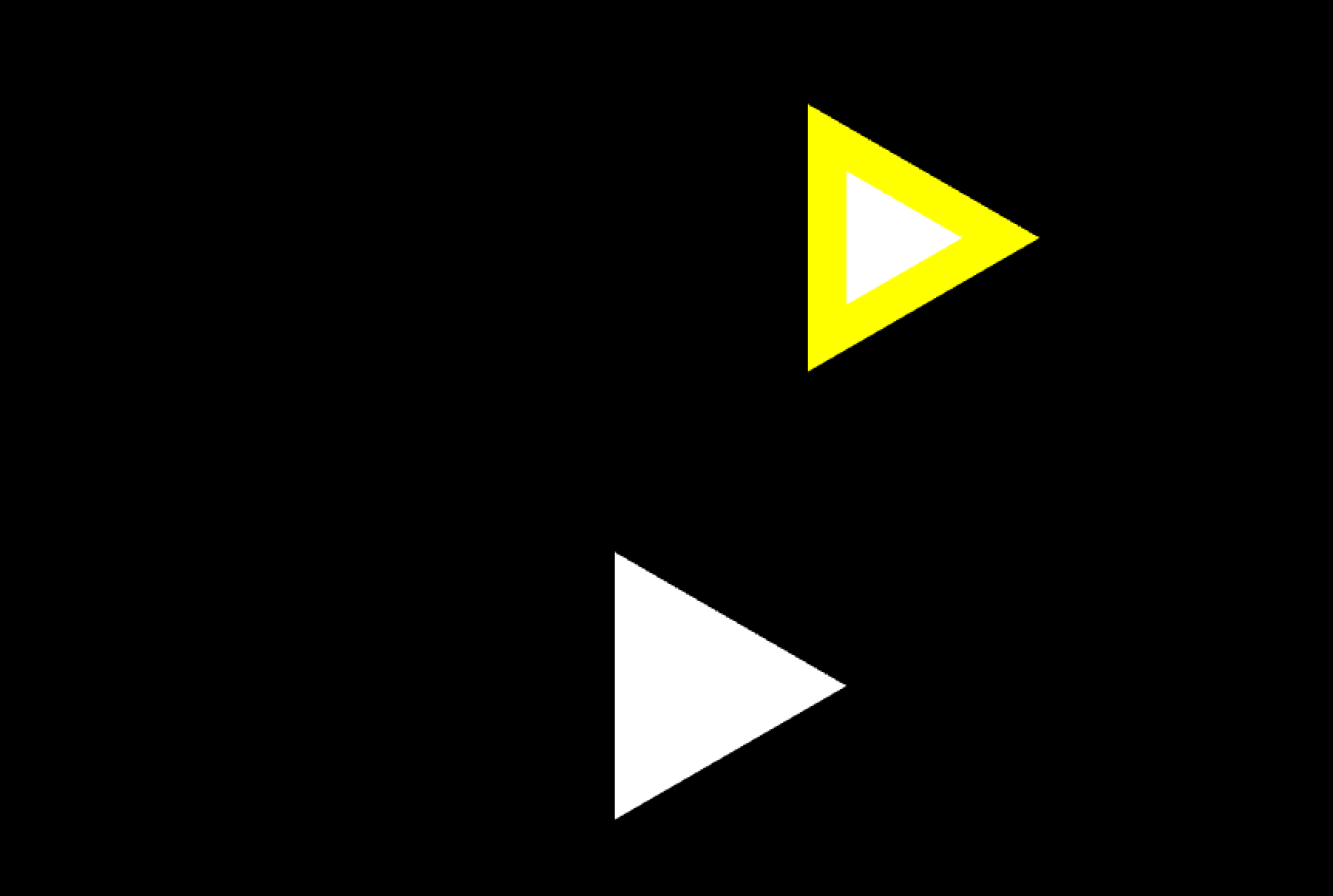
I was teaching a creative coding class at Parsons and my students were tasked with making some circles bounce on the screen. But once we got the demo sketch running, we realized that Open Frameworks makes ugly circles by default. They look like this guy ---->

After some searching around on the internet for help I realized that ofEnableSmoothing() would not fix the problem as it only works on lines and the other solution I found broke my code. After some searching on the documentation I learned the way to turn ugly circles into awesome circles. Its called ofSetCircleResolution!

Just place it in the code where you want to draw a circle and voila! A nice smooth circle. The circle below is drawn with a circle resolution of 100. The default resolution for a circle is 22, which looks rather bumpy. Check out the code below.

void ofApp::draw(){

    ofSetCircleResolution(10);
    ofCircle(150,150,100);          //draws a rough circle
    ofSetCircleResolution(100);
    ofCircle(450,150,100);          //draws a fine circle
}

If you want to get really meta you can change the resolution to 3 and get some sweet triangles. 

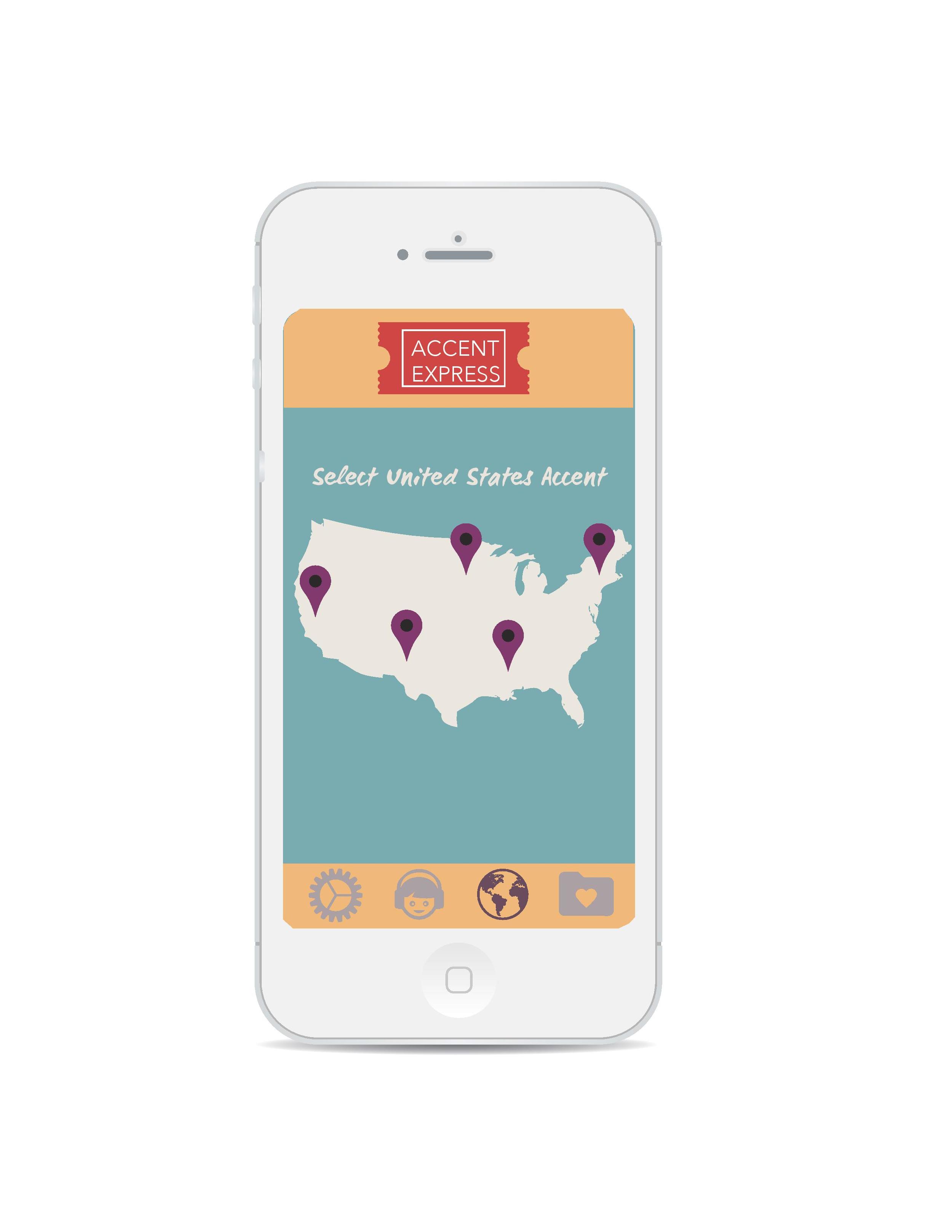
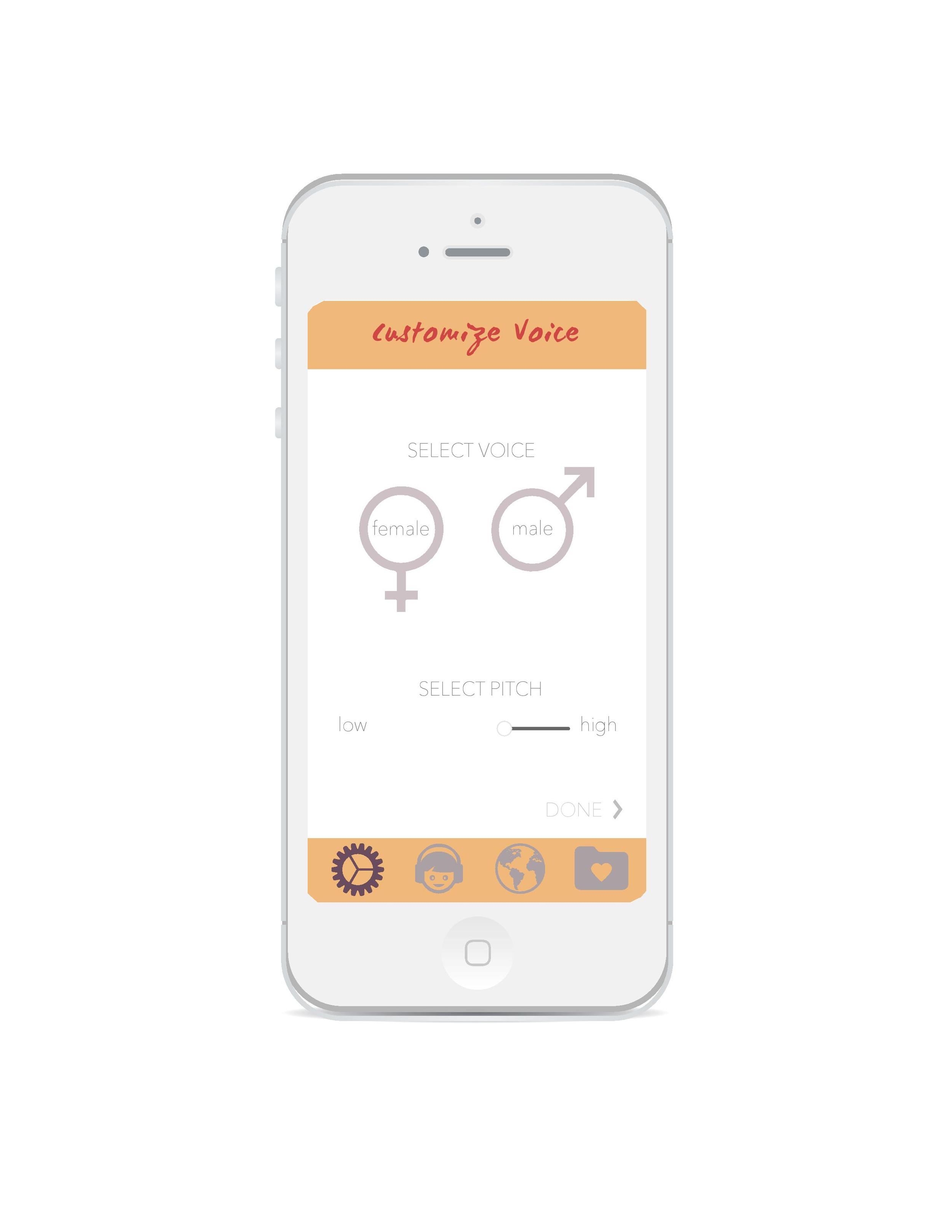
Accent Express

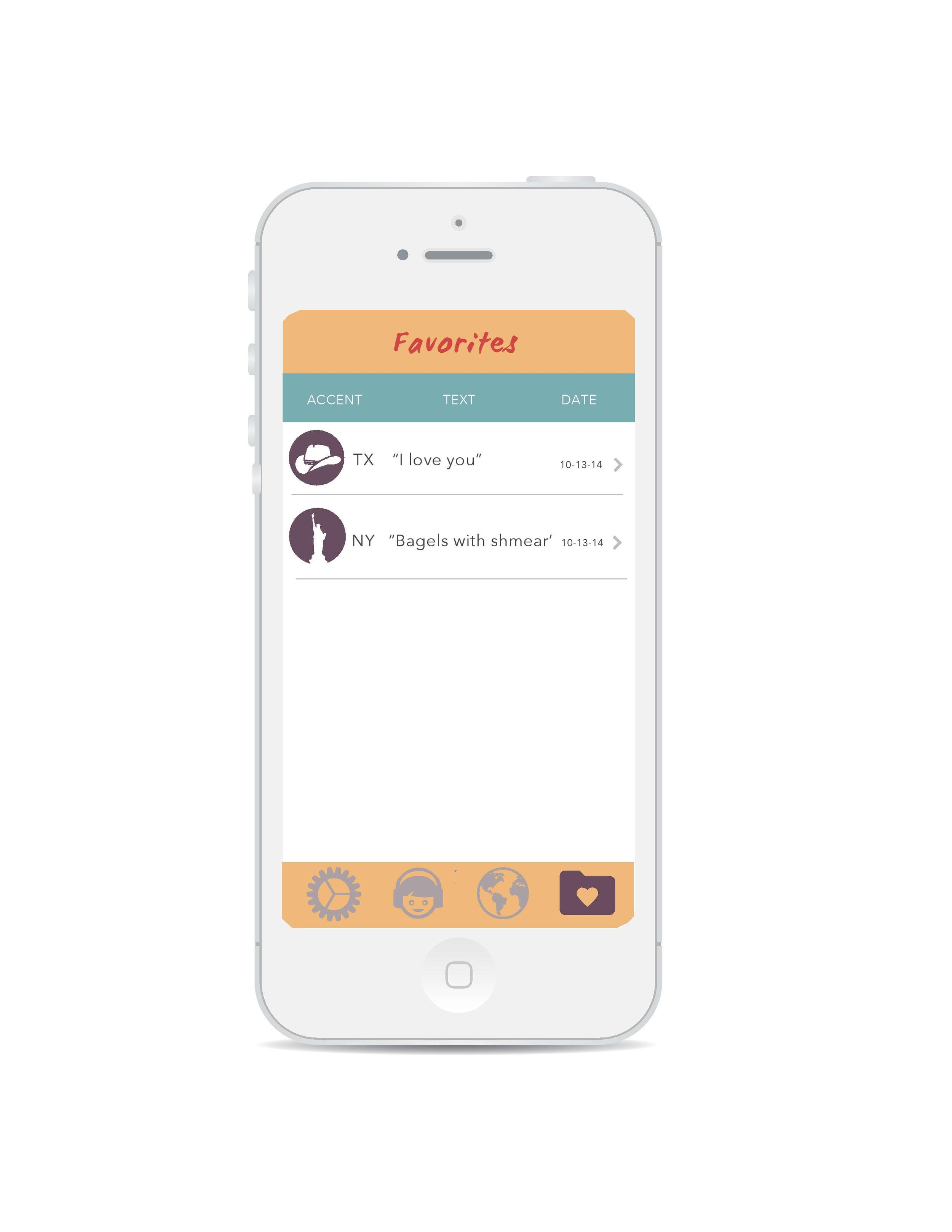
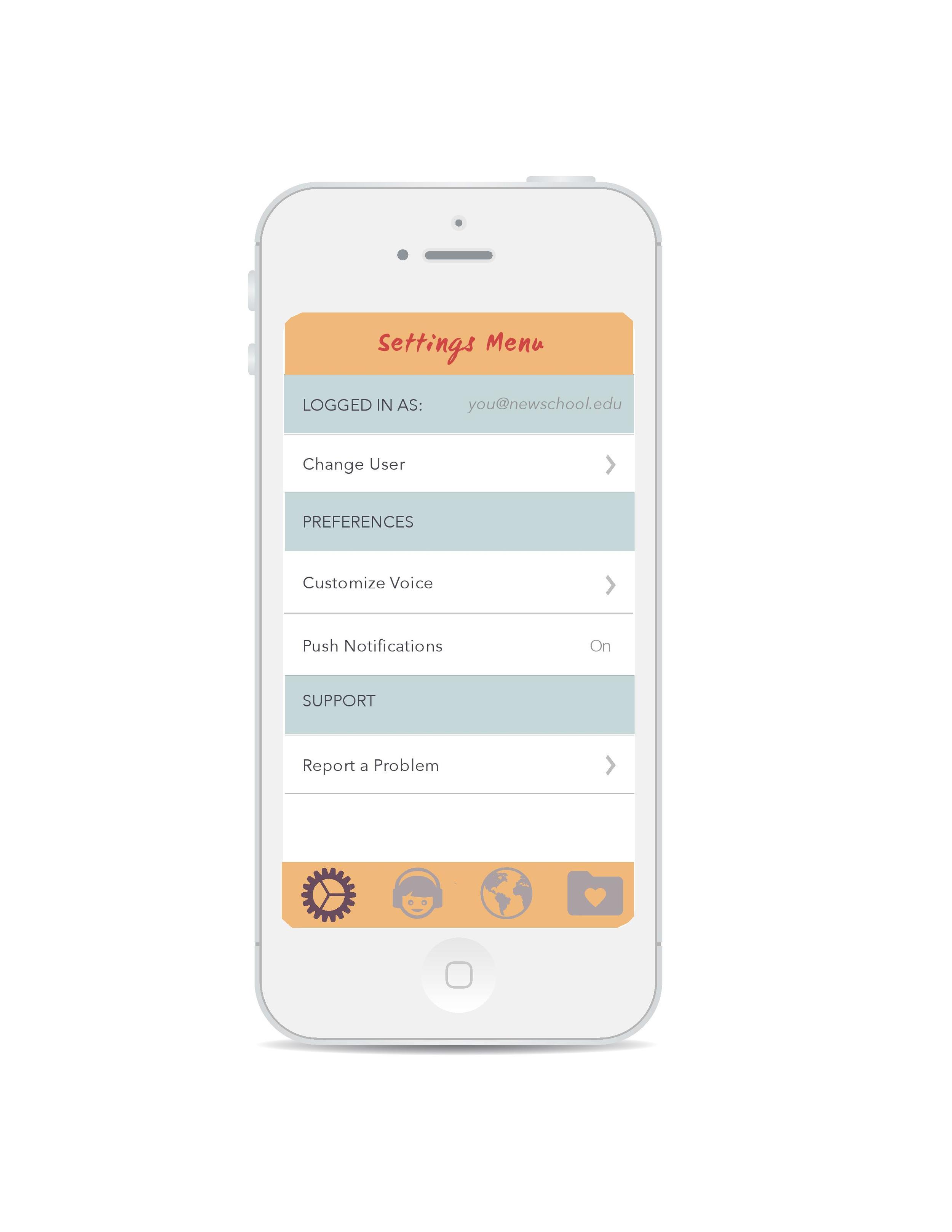
Accent Express is a fun iOS mobile app prototype designed by Niki Selken, Reut Ringle, and Xiaoyi Zhang at Parsons. It allows users to learn different accents and share their progress over social media by creating small audio recordings of their accent attempts. 

New York Public Library Heuristics Report

This semester I am taking Design for Usability at Parsons with Morry Galonoy. I created my first Heuristics Evaluation with Yu-Chien Kao about the New York Public Library Website. The evaluation uses a set of ten heuristics suggested by Jakob Nielsen. We also used Neilsen’s severity rankings scale to help the (imaginary) client tackle the most severe usability issues in a sensible order. You can view it below or download it